Triplium — agentic AI in a consumer app
Our own product — and a reference implementation of how agentic AI fits into a consumer app the right way. On the App Store, Google Play and the web.
What Triplium is
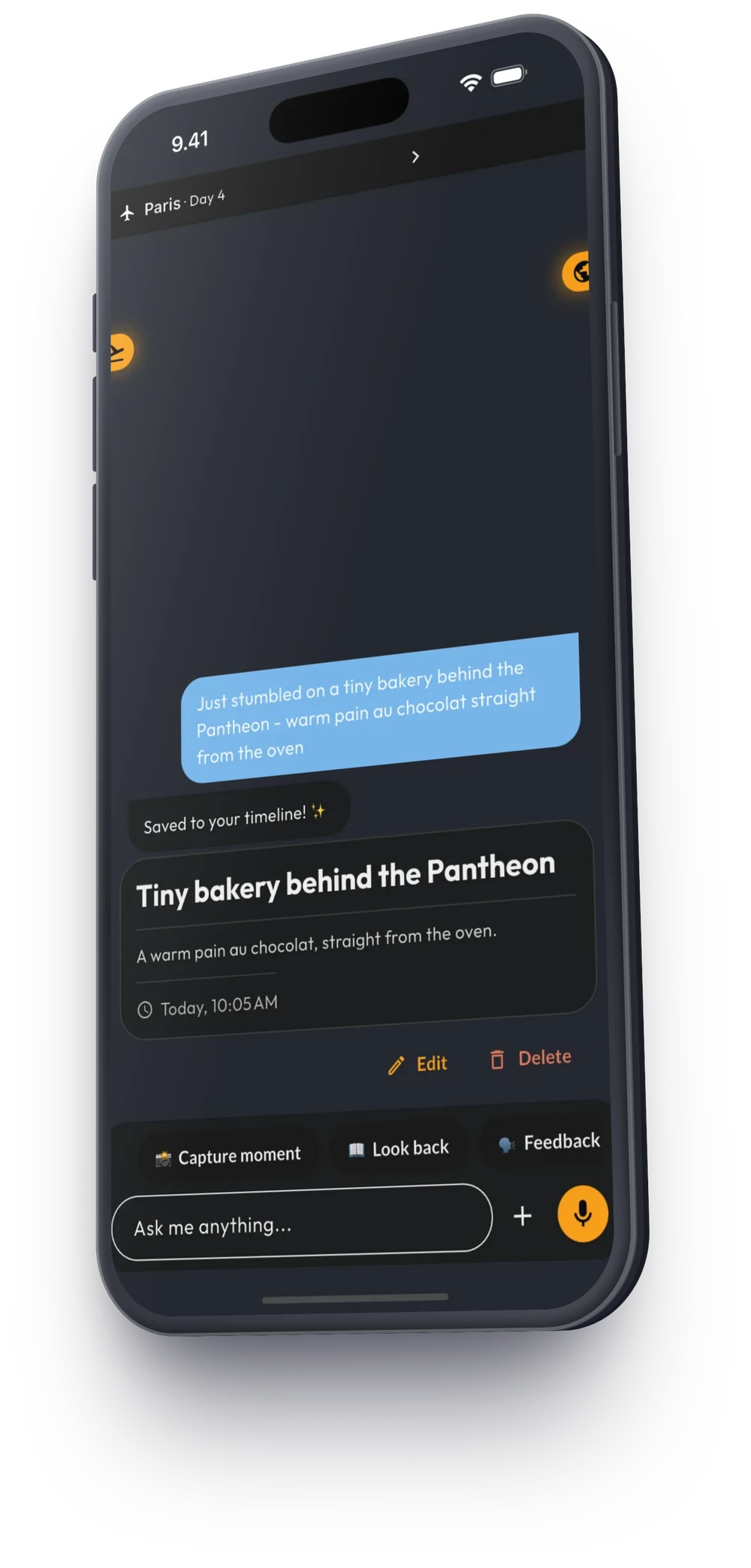
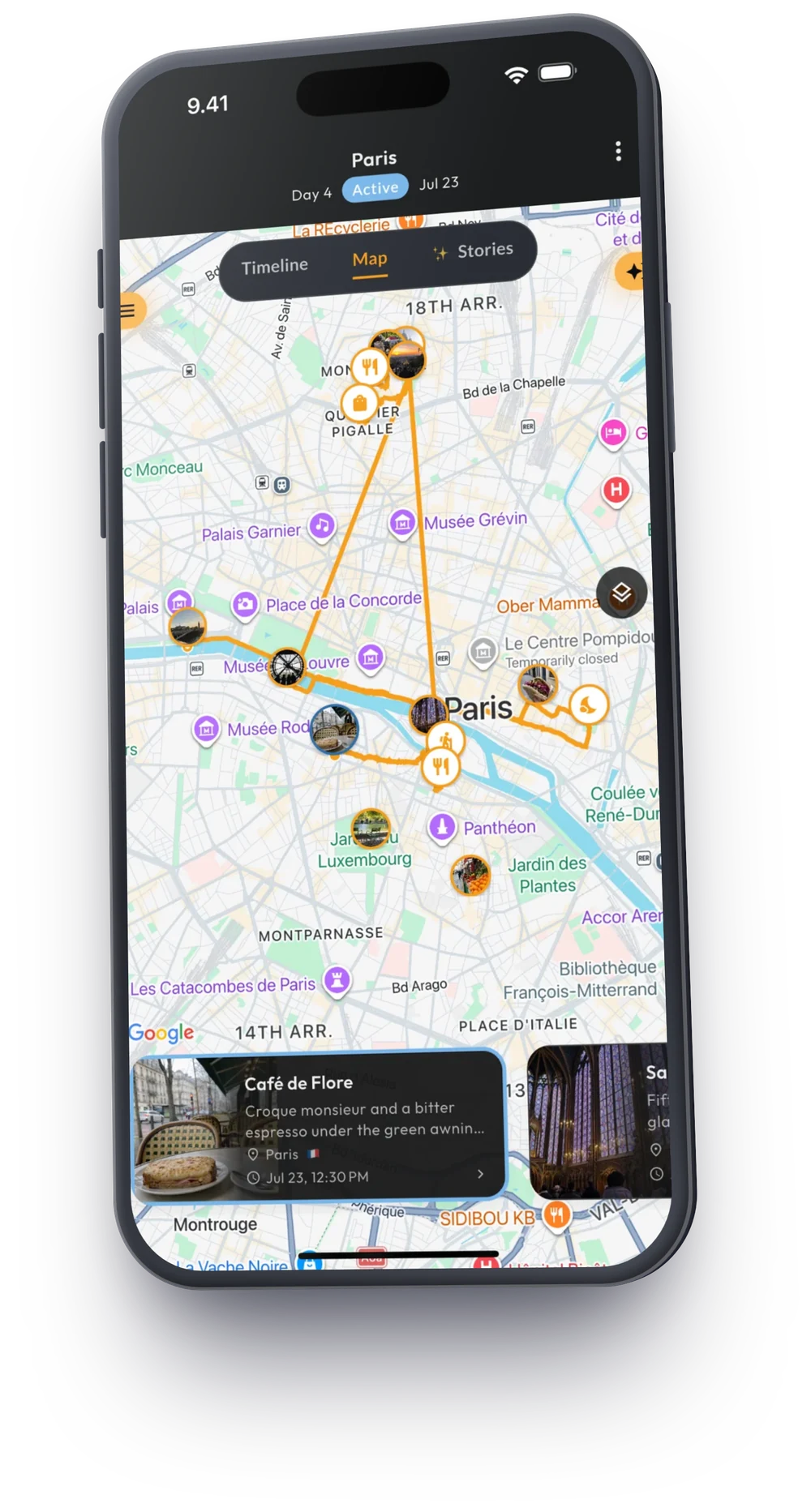
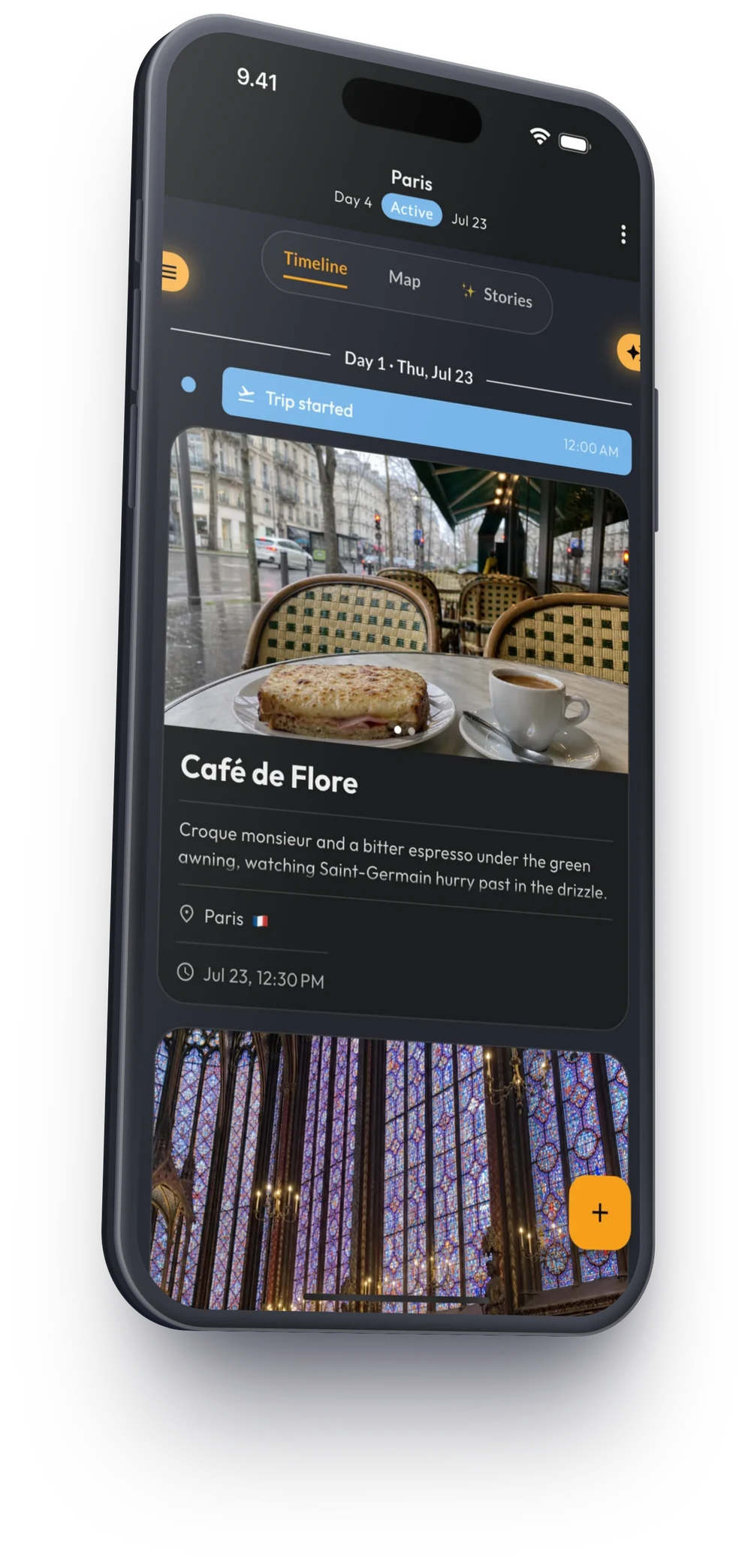
An AI-native travel app. You tell it the moments of a trip by voice, text or photo — and it builds the trip for you: a timeline, the route on a map, the story of each day. The product's own promise: “Live now, remember forever.”
- Capture a moment by voice or chat — without forms.
- The route draws itself on the map; photos and places fall into their days.
- Day stories, gallery and stats grow out of what you captured.
Why this case matters
Triplium is our laboratory and our proof. In our own product every architecture decision is ours: the role of the AI, its cost, its reliability and the experience are solved for production — with real users and real running costs. Everything we say about agentic AI, we have done here first.
How it is built
Four decisions that make Triplium a reference implementation.
A backend agent (Python, PydanticAI) receives voice, photos and text, uses its tools — places, times, photos, memory — and stores a structured result. Language models are swapped as needed, OpenAI and Gemini, with no change to the app.
Normally an app's screens are drawn in code ahead of time. In Triplium the agent composes the screen on the fly from a catalogue of components: it decides whether to show a card, a map or a timeline, and with what content — the app renders. New screens and experiments without an app-store release.
iOS, Android and the web app are built from the same Flutter code. The same features on every platform, one team maintaining them.
Supabase (PostgreSQL, auth, photos), the agent on Render, subscriptions through RevenueCat and Stripe in the stores and on the web.
What production actually required
The difference between a demo and a product is everything under the surface:
AI quality is measured continuously against test sets, and every model or prompt change runs through them.
Token budgets and per-task model choices so the unit economics survive real users.
The agent may fail, the product stays up: error paths, retries and outages are designed in.
AI-product reviews, privacy and subscription payments on three platforms.
What this means for you
- The same pattern fits field work: dictation and photos on site → a structured report in your systems.
- Generative UI gives a product team the freedom to change screens without a release cycle.
- One codebase for three platforms keeps the budget and the team small.
Status
On Google Play and the App Store since 2026, and on the web. In active development.